Stop Wasting Hours on Repetitive Work
As a business owner, your time is tied up in decisions, customer relationships, and growth. Yet a surprising amount of effort often gets consumed by repetitive tasks—copying data between tools, following up manually, updating records, chasing approvals, and coordinating routine processes.
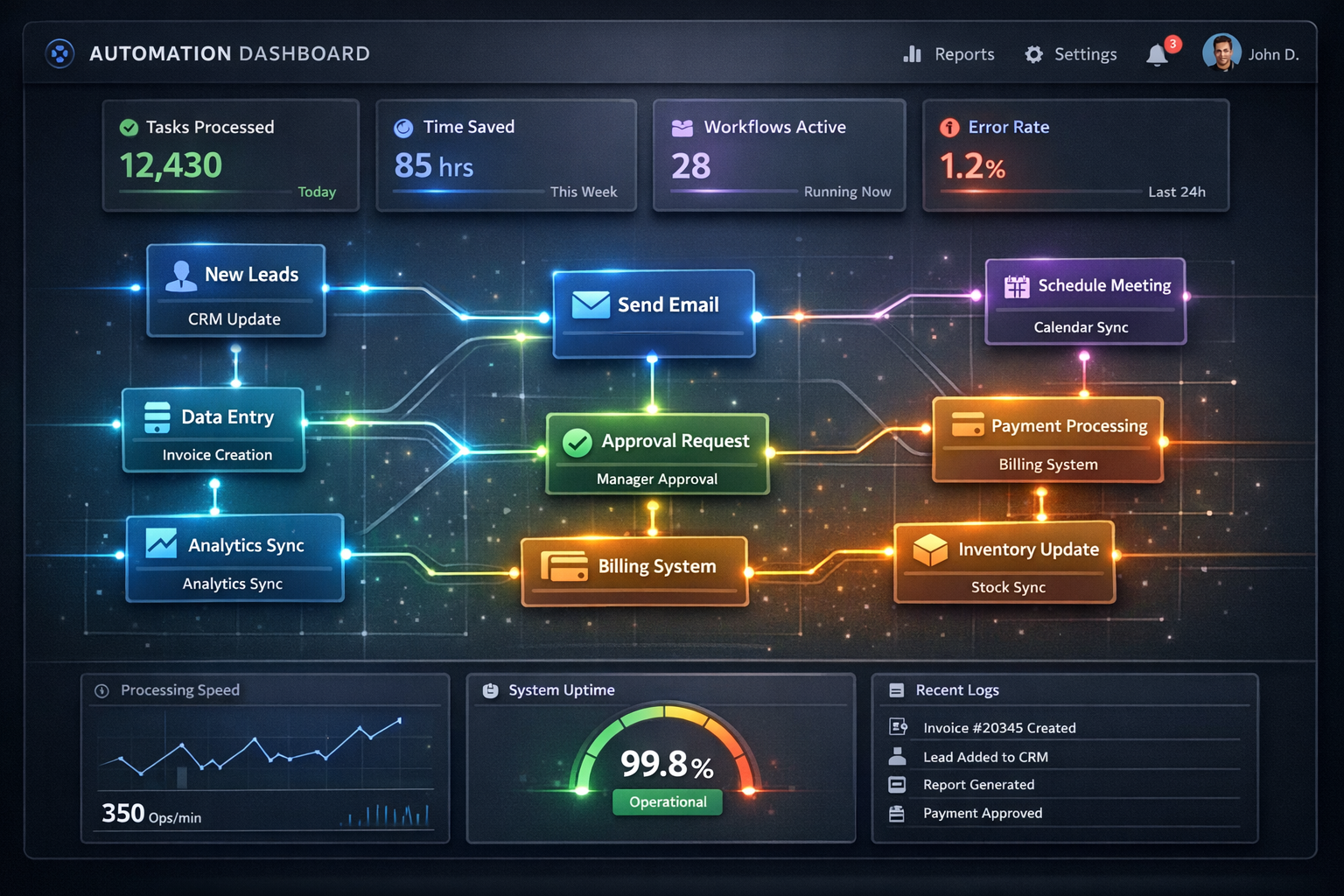
This is where workflow automation can help. By automating predictable steps and connecting your systems, you can create smoother operations and reclaim time you can reinvest into higher-value work.
What Is Workflow Automation (and Why It Matters)?
Workflow automation uses rules and triggers to move work forward automatically—when a condition is met, the next step happens. For example: when a lead submits a form, your CRM is updated, a confirmation email is sent, the right team is notified, and relevant data is routed to the correct pipeline.
Unlike one-off templates, automation is designed to run consistently. That consistency reduces errors, speeds up turnaround times, and makes processes easier to manage as your business grows.
Business Automation Benefits You Can Feel Immediately
When you implement automation with care, the business automation benefits aren’t just theoretical. You typically notice changes in speed, reliability, and how your team spends its day.
1) Save Time Automation on Routine Admin
Many teams lose hours to tasks like data entry, file organization, status updates, and manual handoffs. Automation can handle the busywork so people can focus on what requires judgment and direct involvement.
2) Reduce Errors From Manual Copying and Re-typing
Every time data is transferred manually, there’s a risk of typos, missing fields, or inconsistent formats. With automation, the same data moves through your workflows in a controlled way—helping maintain accuracy across systems.
3) Improve Follow-Up and Response Times
Lead and customer follow-ups often suffer when processes depend on someone remembering the next step. Automated reminders, triggers, and messaging can help ensure responses happen when they should—without adding more pressure to your team.
4) Create Repeatable Processes as You Scale
Manual workflows don’t scale well. When processes live in spreadsheets and individual habits, scaling means rebuilding the work. With workflow automation, you can standardize how requests move from intake to resolution.
Where the “20+ Hours Per Week” Usually Comes From
“20+ hours per week” doesn’t have to be guesswork. Many businesses can estimate time lost by looking at recurring activities that happen daily or weekly. Common time-drainers include:
- Copying lead details into multiple systems (forms → CRM → spreadsheets)
- Manual status updates across tools and teams
- Sending repetitive emails or scheduling follow-ups one by one
- Reformatting documents, reports, or handoffs
- Chasing approvals, confirmations, or missing information
- Updating internal records after events (tickets, invoices, bookings)
Once you identify the steps that repeat and predictably follow one another, you’re usually within reach of meaningful time recovery.
How to Choose the Right Automation Targets
Not every process should be automated immediately. Start with workflows that are:
- High volume (happens often)
- Rule-based (clear triggers and outcomes)
- Time-consuming (meaningful effort per task)
- Easy to measure (you can track outcomes before and after)
This approach helps ensure you invest in save time automation where it matters most—and avoids automating chaos.
A Simple Example: From Lead to Next Step
Consider a common scenario. A visitor fills out a contact form. Without automation, you might:
- Receive an email notification
- Log the lead into your CRM
- Send a follow-up message manually
- Notify the right salesperson
With automation, those steps can be connected so that the lead is captured and routed instantly. Your team can then focus on the parts that require a real conversation and human expertise.
AI and Automation: Use Them to Assist, Not Replace
Many businesses are also exploring AI-enabled automation to improve speed and consistency. The best outcomes typically come from using AI where it supports decision-making or accelerates routine steps—such as summarizing requests, drafting responses, or classifying inbound items—while keeping humans in the loop for final approval.
This is an effective path to meaningful productivity gains without sacrificing quality or brand voice.
What Implementation Should Look Like
Automation projects go smoother when they follow a clear process:
- Map the workflow: identify triggers, steps, owners, and systems involved
- Define outcomes: what “done” looks like for each step
- Automate in phases: start with one workflow, then expand
- Add guardrails: ensure exceptions are handled appropriately
- Measure impact: track time saved, response times, and error rates
This helps you build automation that’s reliable, maintainable, and aligned with your business goals.
Ready to Reclaim Hours Every Week?
If you’re spending too much time on repetitive tasks, it’s time to make your operations work harder—not you.
CTA: Contact K10 Global today to evaluate your current workflows and identify automation opportunities that can help you save time automation and improve day-to-day efficiency—without disrupting what’s already working.