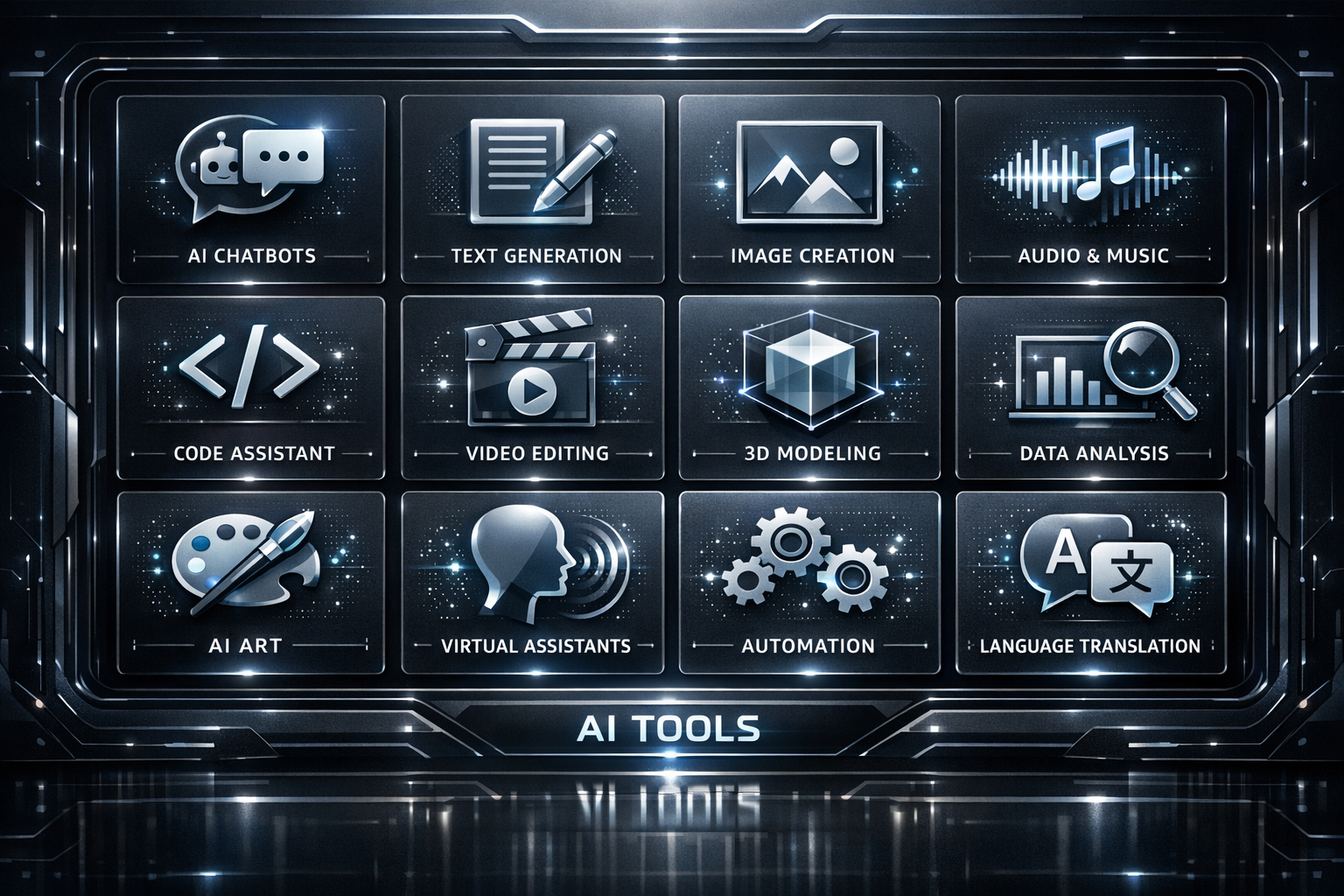
AI is moving from “nice to have” to a practical advantage for teams of every size. In 2026, the best AI tools for business won’t just automate busywork—they’ll help you plan smarter, communicate faster, support customers more effectively, and protect your data.
Below is a curated AI tools list 2026 featuring seven categories and tools you can evaluate for business productivity tools that fit real workflows.
How to choose the right AI tools for your business
- Match the use case: pick tools that solve a specific problem (support, sales enablement, internal knowledge, content ops, etc.).
- Check integrations: look for connectors to your email, CRM, help desk, document tools, and collaboration stack.
- Review privacy and controls: confirm data handling policies, admin controls, and audit capabilities.
- Start small: pilot with one team and one measurable outcome (time saved, faster response, fewer errors).
Top 7 AI tools every business should consider in 2026
1) AI email and writing assistants
AI writing tools help business owners and teams draft clearer emails, proposals, and follow-ups—while maintaining your tone and structure. They’re especially useful for busy schedules and customer-facing communication.
Common business uses: email drafting, meeting follow-ups, proposal outlines, internal memos.
What to look for: tone controls, templates, grammar/style improvements, and the ability to work with your documents and inbox.
2) AI meeting assistants and transcription
Meeting assistants transcribe calls, summarize key decisions, and generate action items. This reduces the “who said what” problem and helps teams move faster after client calls, internal planning, or sales meetings.
Common business uses: call summaries, searchable transcripts, action item extraction, knowledge capture for teams.
What to look for: integrations with your calendar/video stack, speaker identification, and customizable summary formats.
3) Chatbots and AI customer support (with guardrails)
Customer support chatbots can provide instant answers, triage requests, and route issues to the right team. The best implementations use “guardrails” such as knowledge-base grounding, escalation rules, and confidence thresholds to keep responses accurate.
Common business uses: order status questions, FAQs, ticket creation, support routing, basic troubleshooting.
What to look for: knowledge-base integration, escalation to human agents, conversation analytics, and compliance controls.
4) AI document processing and intelligent extraction
Document AI helps businesses turn unstructured content—PDFs, invoices, forms, contracts, and emails—into usable data. This can speed up workflows like onboarding, billing, and back-office operations.
Common business uses: invoice data extraction, contract clause search, form processing, document classification.
What to look for: accuracy controls, layout handling (scanned documents), audit trails, and role-based access.
5) AI analytics and reporting copilots
Instead of manually pulling numbers, analytics copilots can help teams ask questions in plain language and generate summaries of performance trends. Used responsibly, they help business owners interpret data faster and act sooner.
Common business uses: sales performance summaries, marketing insights, KPI explanations, anomaly spotting.
What to look for: connections to your data sources, clear definitions for metrics, and the ability to reference underlying data.
6) AI workflow automation (the “glue” for productivity)
AI becomes truly powerful when it’s integrated into your workflows. Automation tools can connect systems, route approvals, trigger tasks, and standardize repetitive processes—often alongside AI for summarization and classification.
Common business uses: lead routing, approval workflows, CRM updates, follow-up sequences, onboarding checklists.
What to look for: easy connectors, workflow visibility, error handling, and controls for governance.
7) AI-powered knowledge management (internal search and assistants)
Many businesses lose time searching for policies, SOPs, product details, or past client information. AI knowledge tools can make internal content easier to find and help employees draft answers based on approved sources.
Common business uses: internal Q&A, faster onboarding, support agent enablement, policy lookups.
What to look for: source grounding (approved documents), access permissions, and version control.
Suggested AI tools list 2026 (by category)
Because tool features and packaging change frequently, here’s a practical way to build your shortlist by category. Compare options based on integration, data controls, and workflow fit.
- Email & writing assistants: Microsoft Copilot, Grammarly, Notion AI (varies by plan)
- Meeting transcription & summaries: Otter.ai, Zoom AI Companion (where available), Microsoft Copilot in Teams (where available)
- Customer support chatbots: Zendesk AI, Intercom (with AI features), Salesforce AI capabilities (where available)
- Document processing: Google Cloud AI/Document AI, Microsoft AI Builder (where available), UiPath document automation tools
- Analytics copilots: Microsoft Power BI (AI features), Google Looker/AI capabilities (where available)
- Workflow automation: Zapier, Make, Microsoft Power Automate
- Knowledge management: Notion AI (where applicable), search/knowledge assistants integrated with your content tools
Tip: Prioritize tools that integrate with what you already use (CRM, help desk, document management, collaboration tools) to reduce friction.
Implementation checklist for business owners
- Define one measurable goal (e.g., reduce support resolution time, cut admin hours).
- Select “source of truth” content (your policies, SOPs, product docs) for AI responses.
- Set roles and approvals for what AI can do vs. what requires human review.
- Pilot with one team for 2–4 weeks and collect feedback.
- Train your team on prompting, review steps, and escalation paths.
- Review costs and value regularly, including time saved and error reduction.
Why K10 Global can help
Choosing AI tools is only half the job. The bigger win comes from aligning AI with your processes, customer experience, and data requirements. At K10 Global, we help businesses evaluate the right tools, design safe workflows, and support adoption so your team can see results—not just “trial runs.”
Strong CTA
Ready to modernize your operations with AI? Contact K10 Global to discuss your goals and get recommendations for the best AI tools for business in 2026—tailored to your workflows and team.